Documentation
Illumind docs
Based on aichat. All-in-one LLM CLI with chat, RAG, agents, function calling, and 20+ providers.
Getting Started
Request Access
Submit your trial application at aichat.chat/trial. You'll receive an activation code within 24 hours. After activation:
First run & configuration
After receiving your activation code from the trial, Aichat creates a config file at:
~/.config/illumind/config.yaml~/Library/Application Support/illumind/config.yaml%APPDATA%\illumind\config.yamlRun aichat activate --code XXXX to activate with your trial code. After activation, you have full access to all models.
Command-line guide
Run illumind --help for full options list.
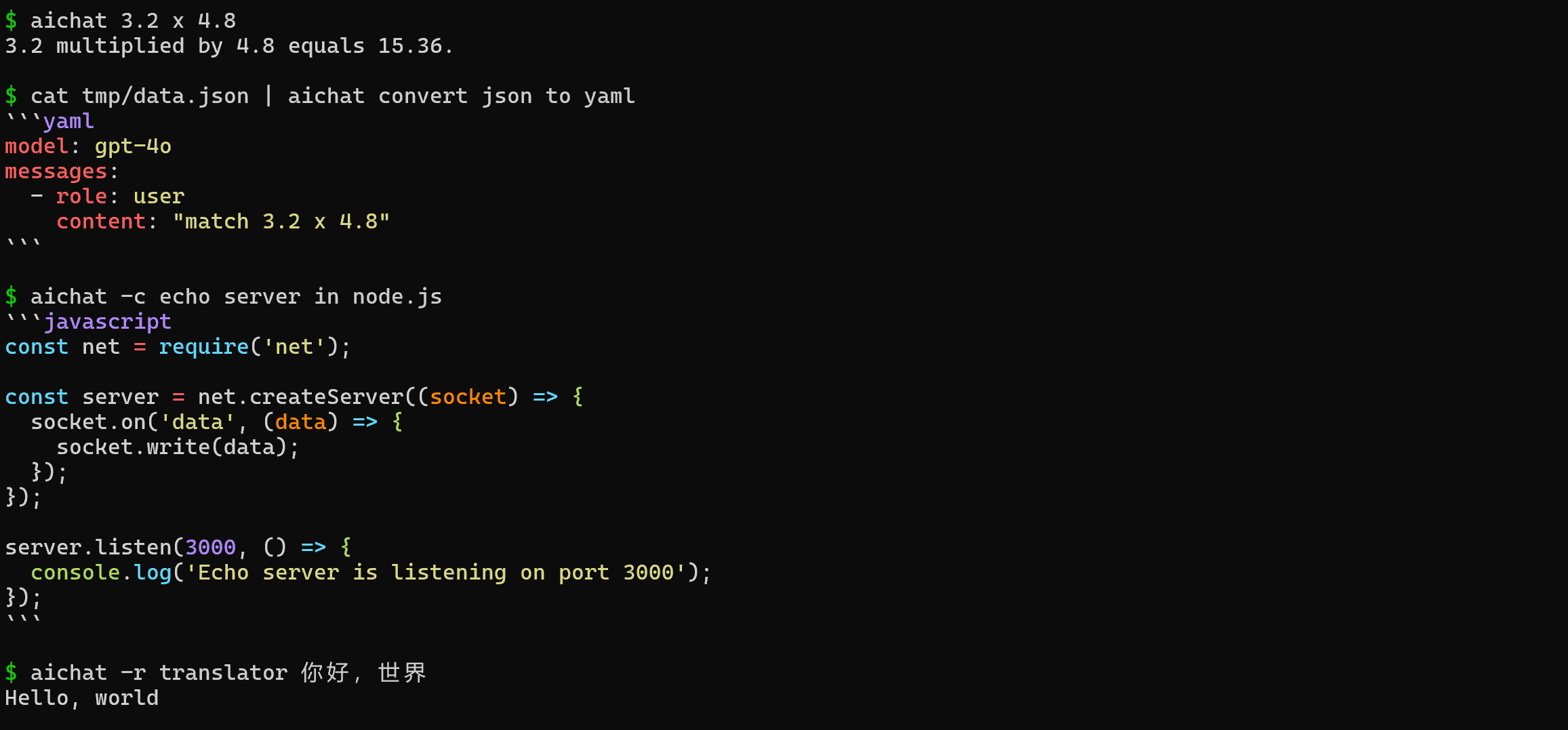
Chat REPL
Interactive chat with tab autocompletion, multi-line input, history search, and configurable keybindings.
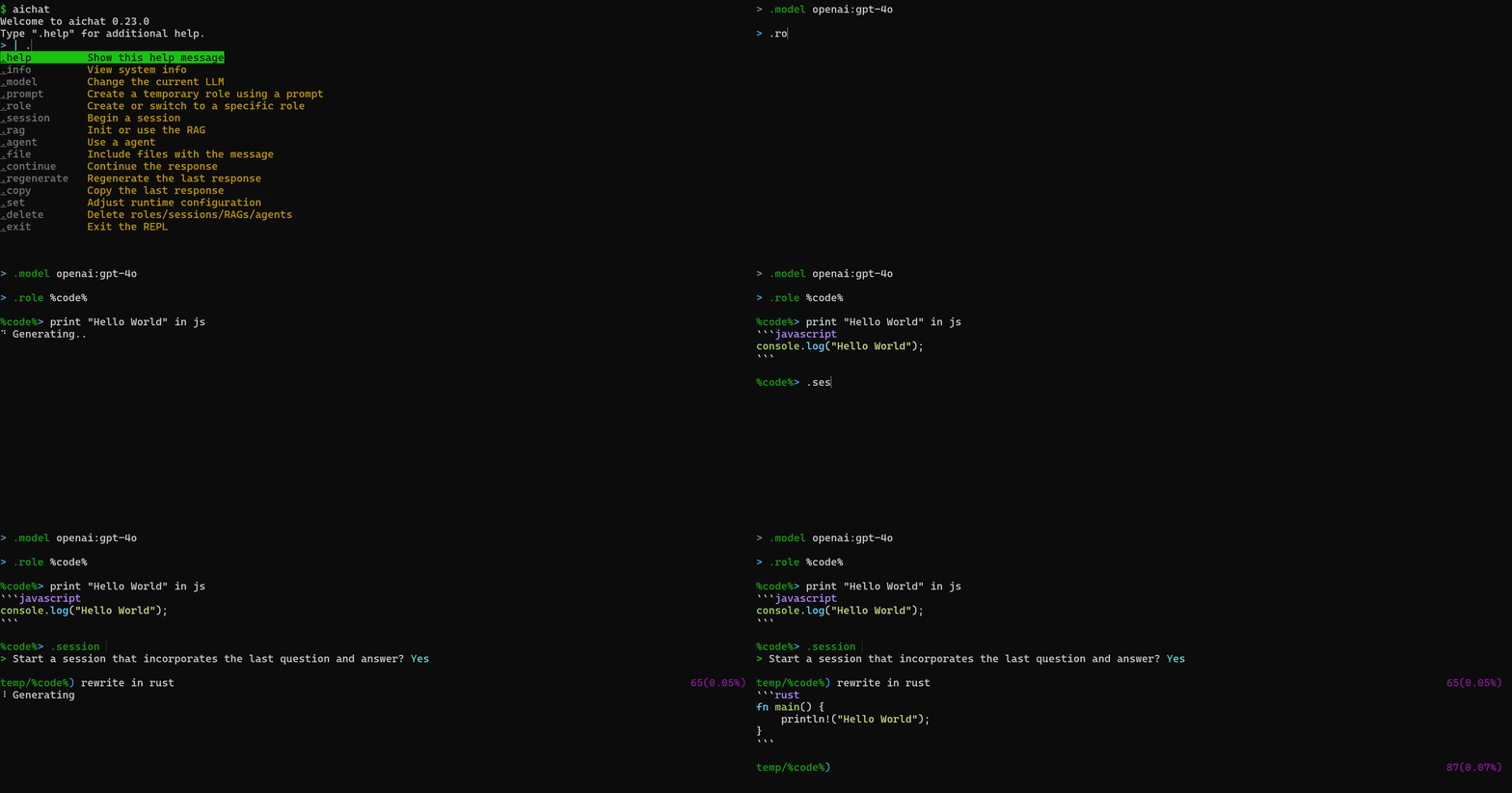
Shell assistant
Describe what you want in plain English. Illumind generates and runs the right shell command for your OS.
Shell integration available for bash, zsh, PowerShell, fish, nushell. Press alt+e for inline completions.
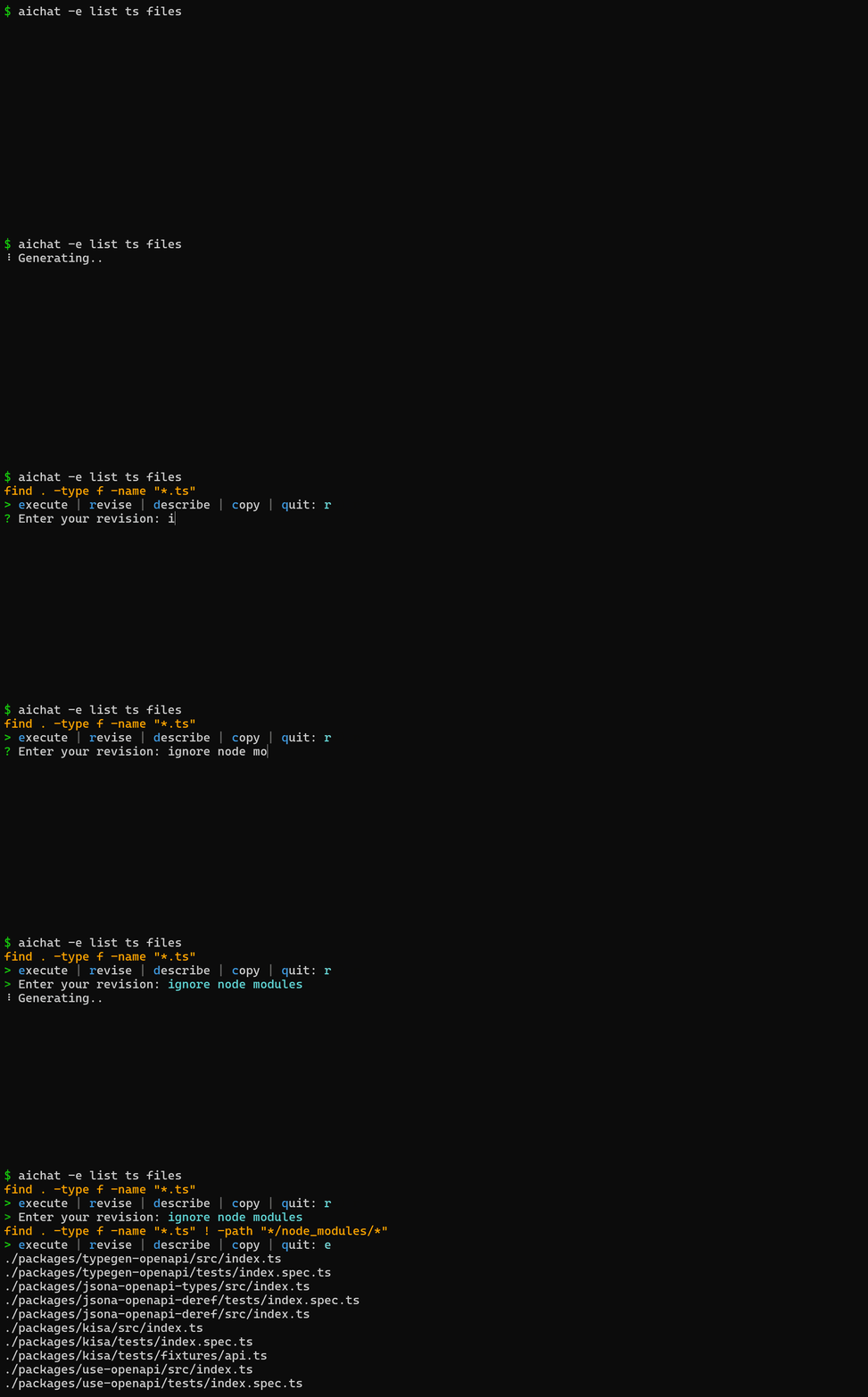
Roles
Roles act as a prompt library. Create custom roles with system prompts for different tasks.

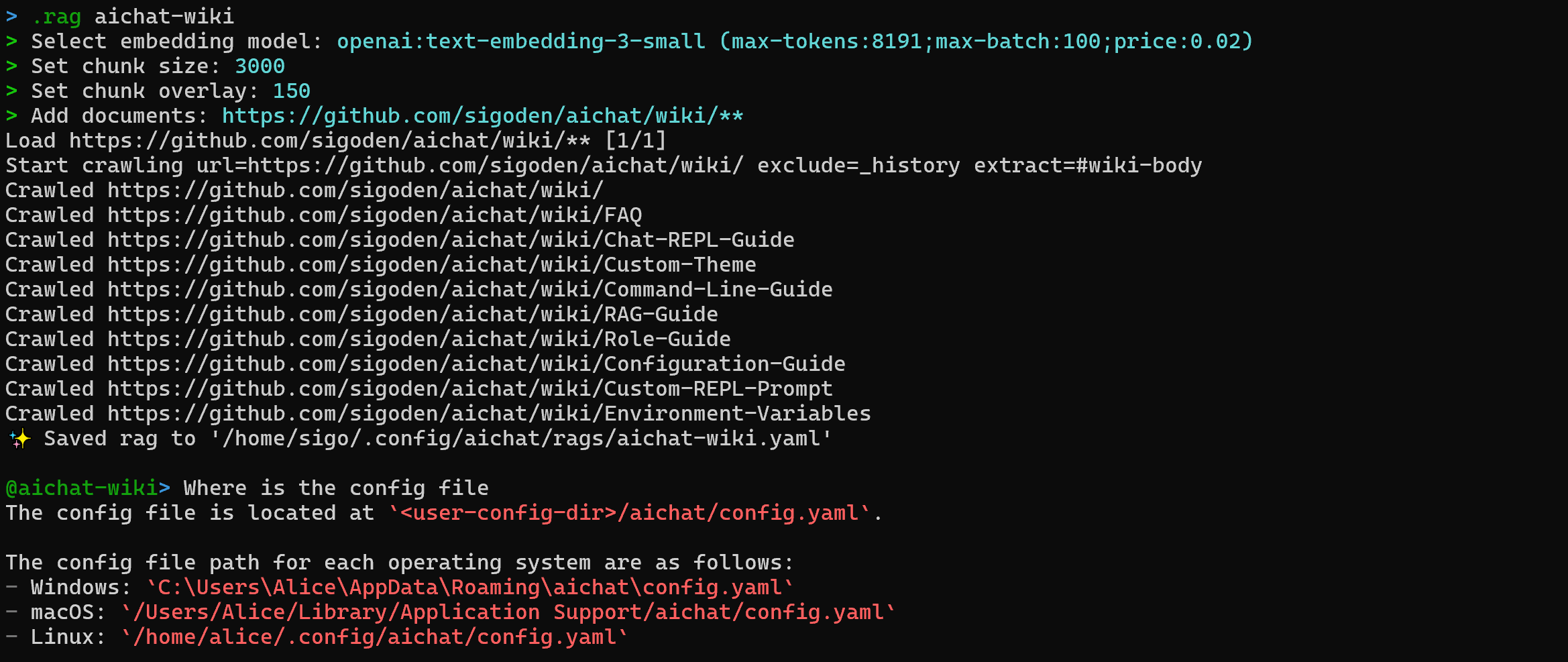
RAG
Feed documents, codebases, and URLs into conversations. Illumind chunks, embeds, and retrieves relevant context automatically.
Agents
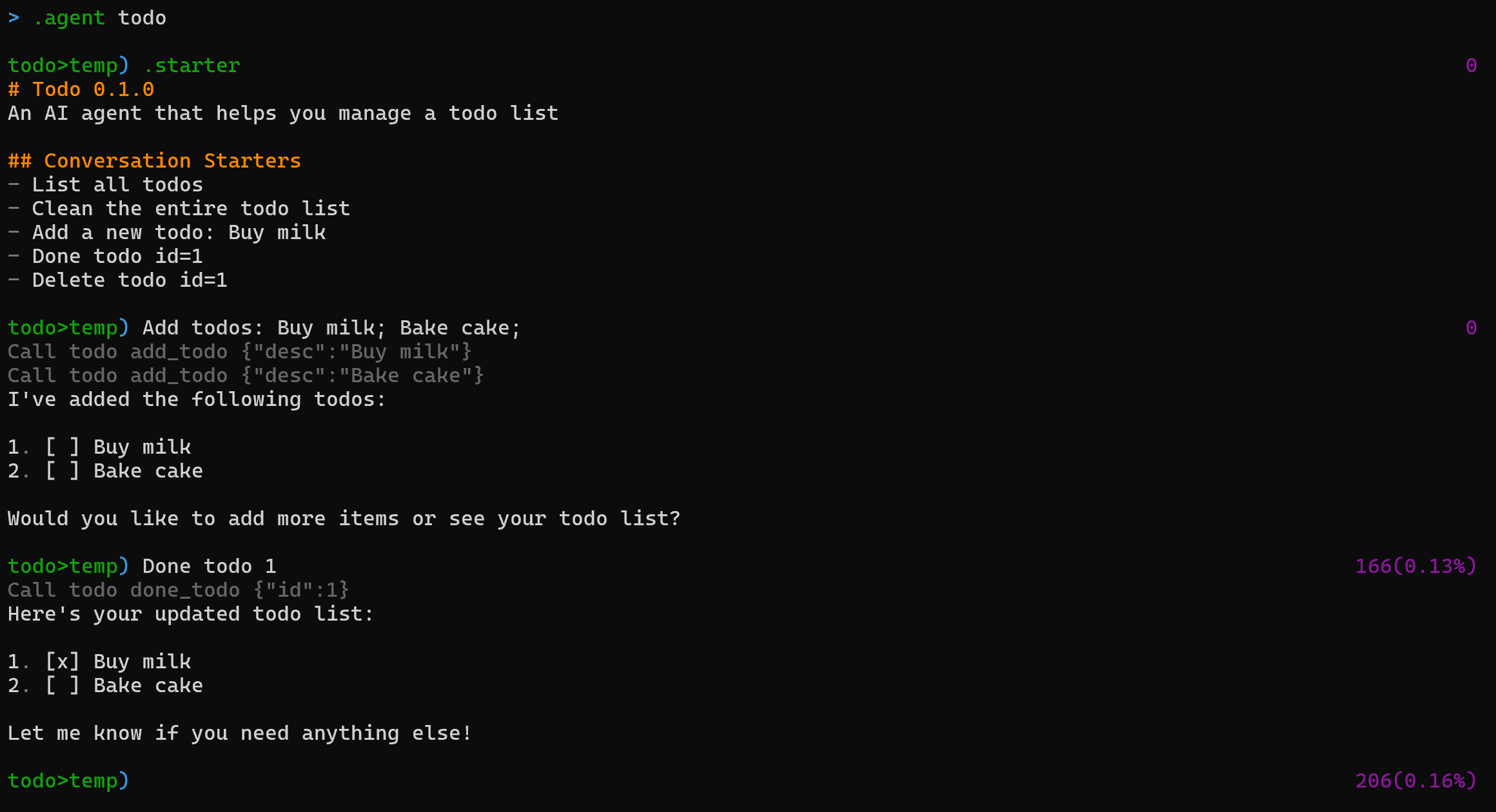
Agents are like GPTs for your terminal. They combine instructions, tools, documents, and variables into reusable packages.
Generate code
Use the -c flag to generate code without entering the REPL. Output is printed directly to stdout — pipe it into files or other tools.
Use files & URLs
Pass files, images, and URLs as context using the -f flag. Supports text, source code, PDFs, images, and remote URLs.
Sessions
Sessions persist conversation history across invocations. Resume a session by name to continue a long debugging session or multi-step refactoring task.
Macros
Macros are reusable command sequences bound to a key or alias. Define them in your config file to automate multi-step workflows you run frequently.
Function calling & MCP
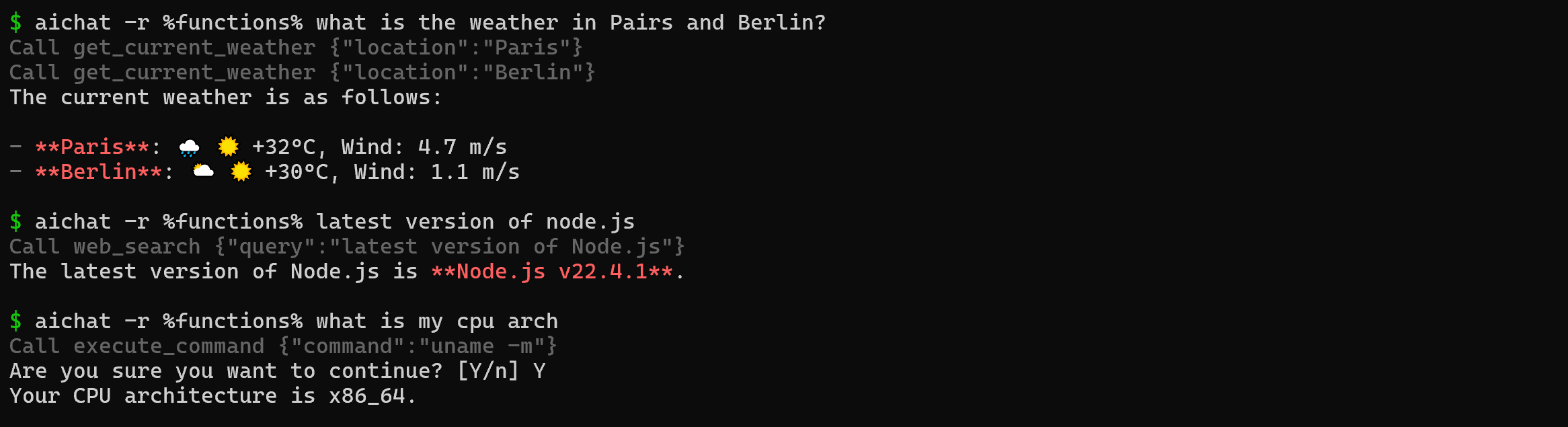
Connect LLMs to external tools, APIs, and data sources. Supports MCP (Model Context Protocol) for standardized tool integration.
Built-in server
Lightweight HTTP server with OpenAI-compatible API, LLM Playground, and Arena.
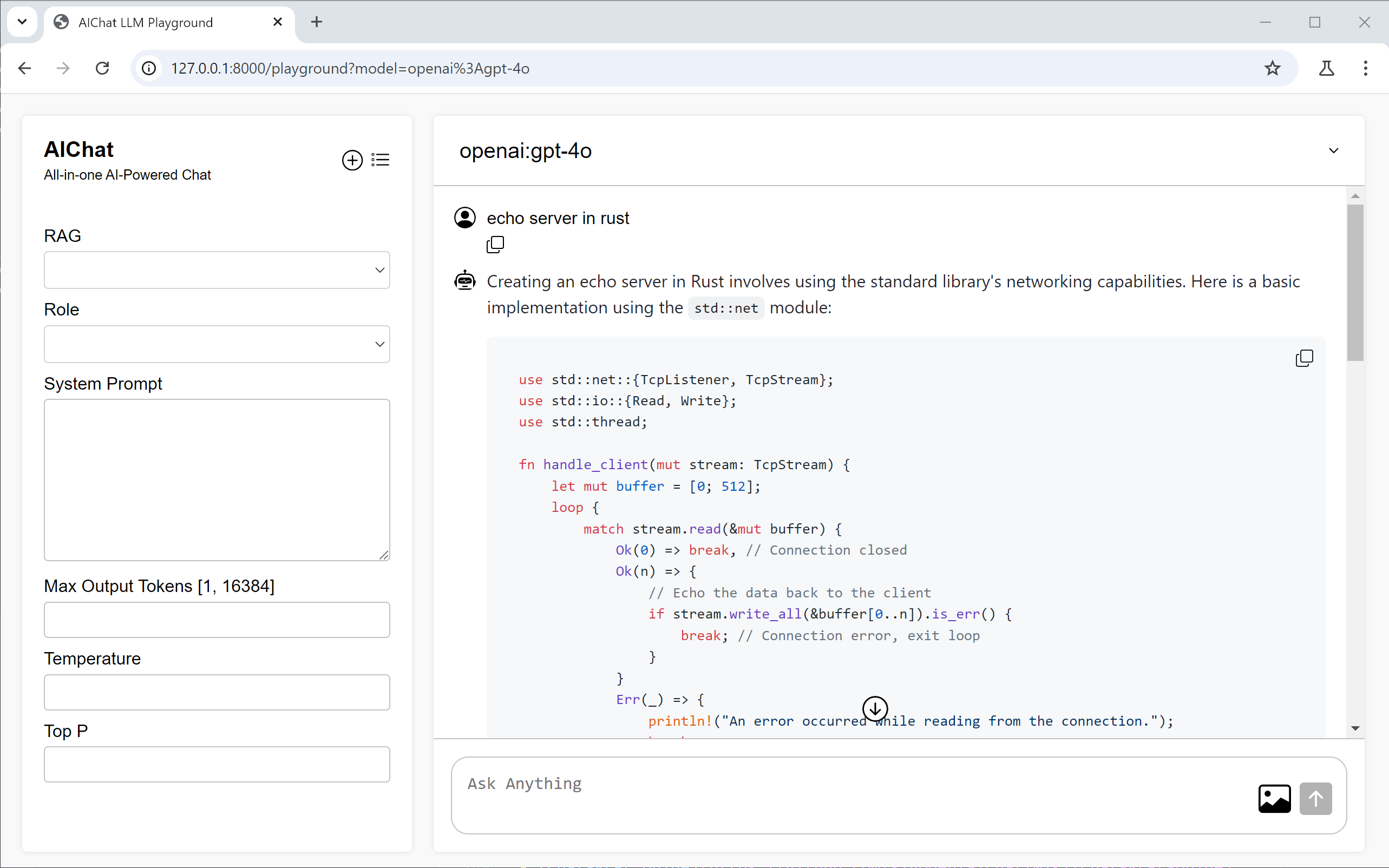
LLM Playground
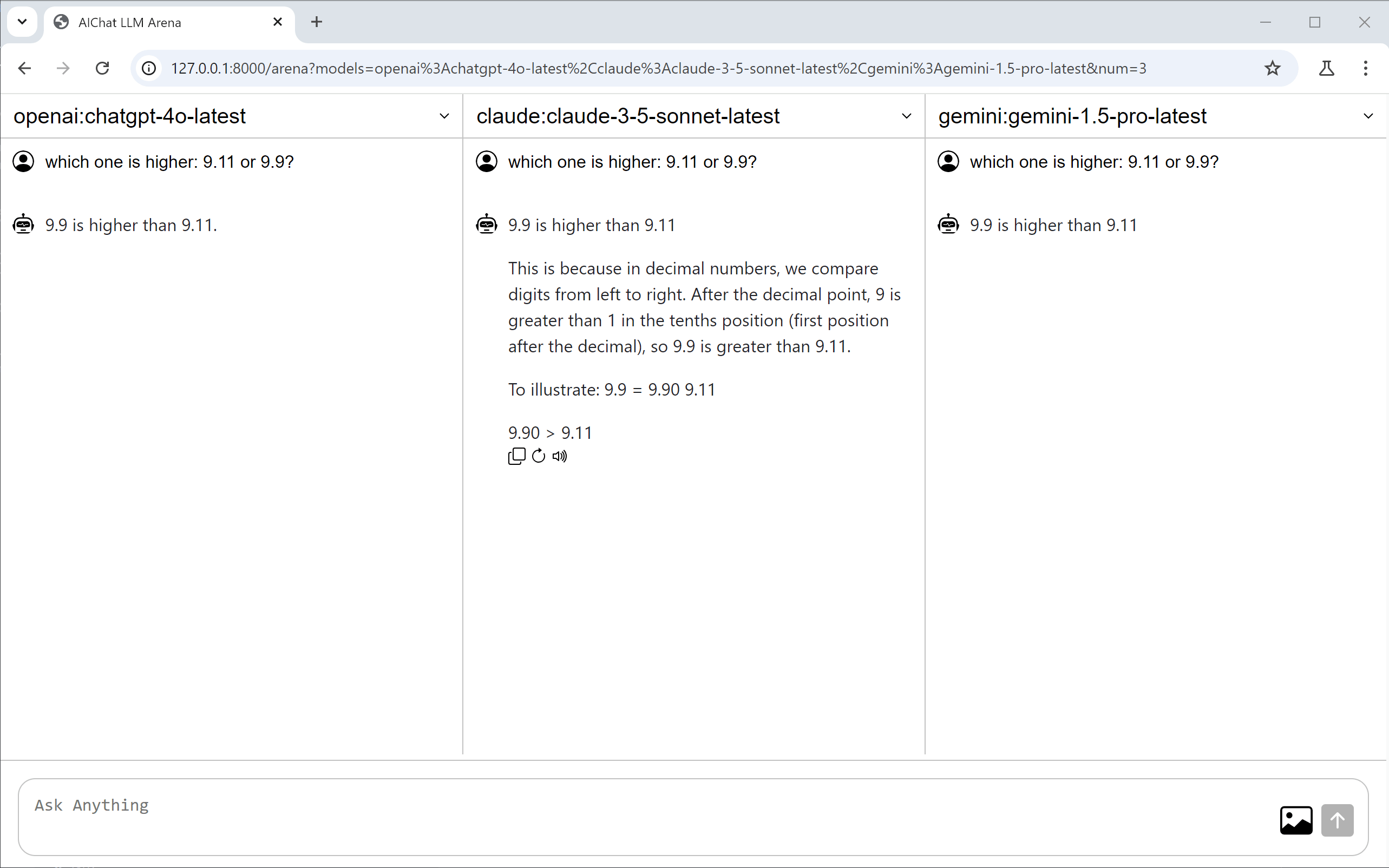
LLM Arena
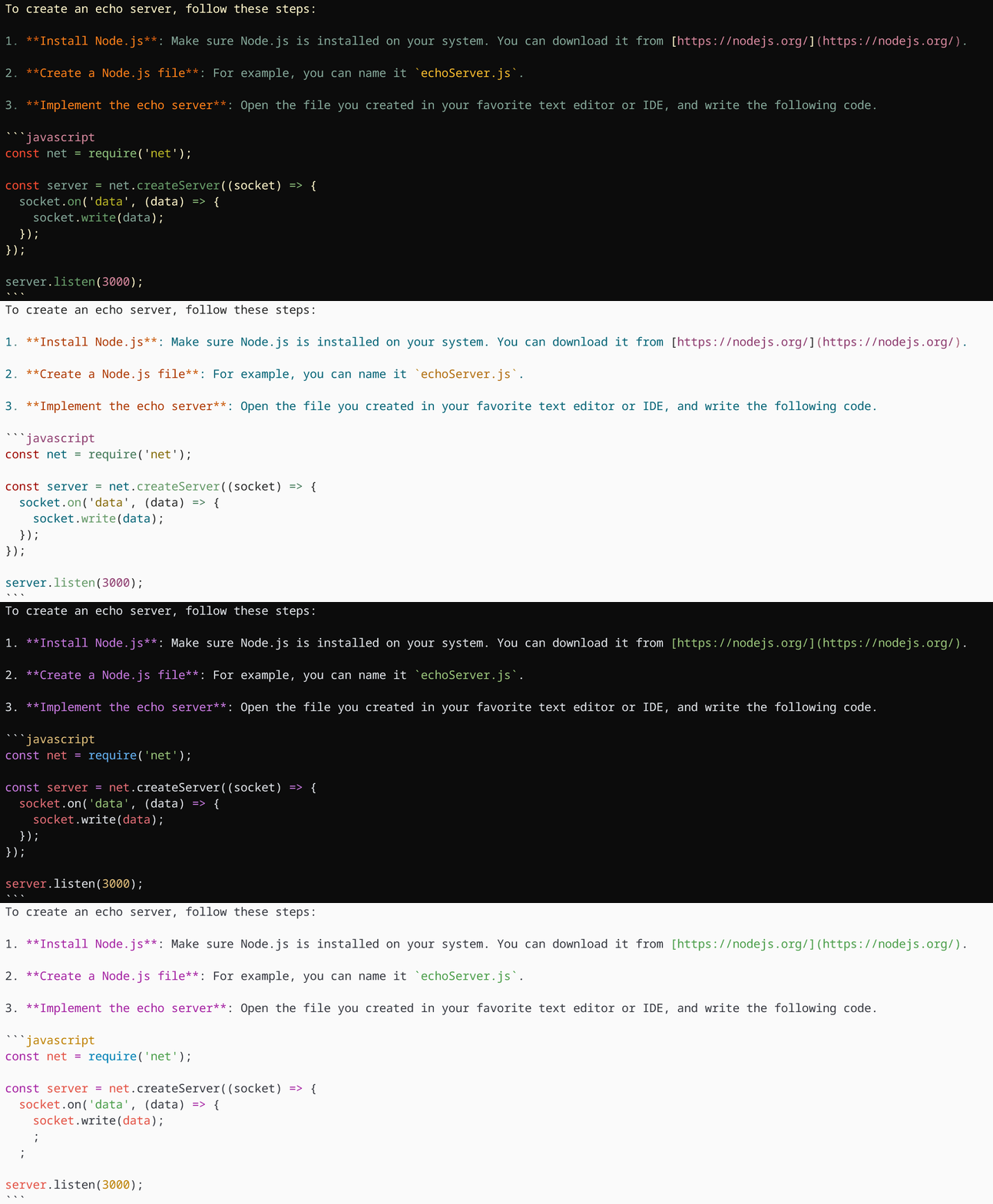
Themes
Custom dark and light themes for syntax highlighting.
Configuration file
The config file is YAML. All settings are optional — Illumind works out of the box with defaults. Common settings:
modeldefault: claude-sonnet-4-7 (or any provider:model)temperaturedefault: 0 — set higher for more creative outputsave_sessiondefault: false — auto-save all sessionshighlightdefault: true — syntax highlight responseslight_themedefault: false — use light color themestreamdefault: true — stream responses as they arriveFull reference: run illumind --info to see all active configuration values and their sources.
Custom REPL prompt
Customize the REPL prompt string to show context like the active model, session name, or token count. Supports ANSI color codes and dynamic variables.
Environment variables
API keys and provider credentials are set as environment variables. Illumind reads them automatically — no additional configuration needed.
OPENAI_API_KEYOpenAI / GPT-5ANTHROPIC_API_KEYAnthropic / ClaudeGEMINI_API_KEYGoogle / GeminiGROQ_API_KEYGroq (fast inference)MISTRAL_API_KEYMistral Large 3.1 AIOPENROUTER_API_KEYOpenRouter (multi-provider)LLM providers
Illumind supports 20+ providers out of the box: